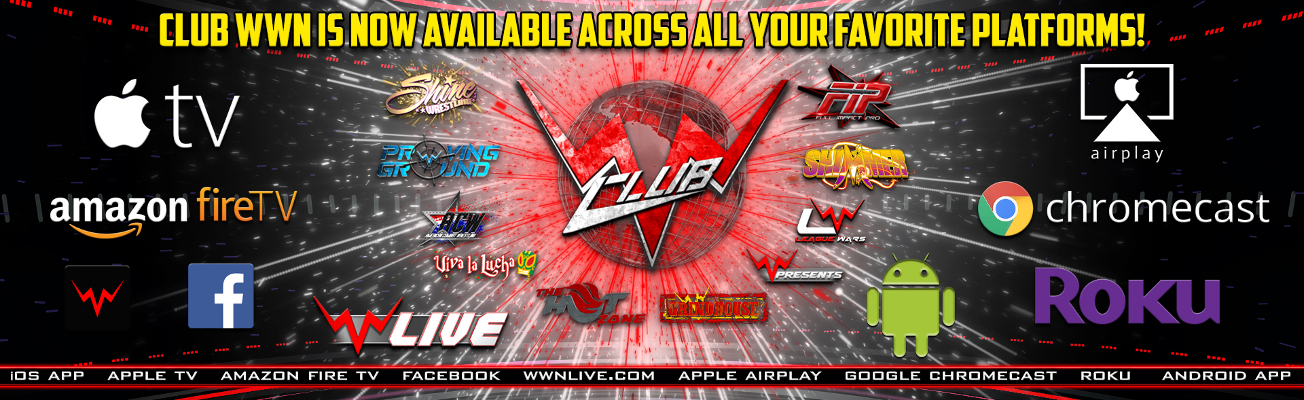
1 - On your iOS device, swipe up from the bottom of your screen to open Control Center.
2 - In Control Center, tap Screen Mirroring, then select your Apple TV from the list.
3 - Don't see your Apple TV or AirPlay-enabled device? Try connecting your iOS device to the same Wi-Fi network as the device you want to AirPlay.
1 - To set up Chromecast, all you need is a TV with an HDMI port, a Wi-Fi connection and either a computer or a mobile device with Google's Chrome browser.
2 - Simply connect the Chromecast to your TV's HDMI port
01.03.2026: Full Impact Pro Wrestling tonight plus WWN Proving Ground Spotlight Bonus Matches at the OCC Road House in Clearwater, FL!Latest NewsCLICK HERE TO READ MORE